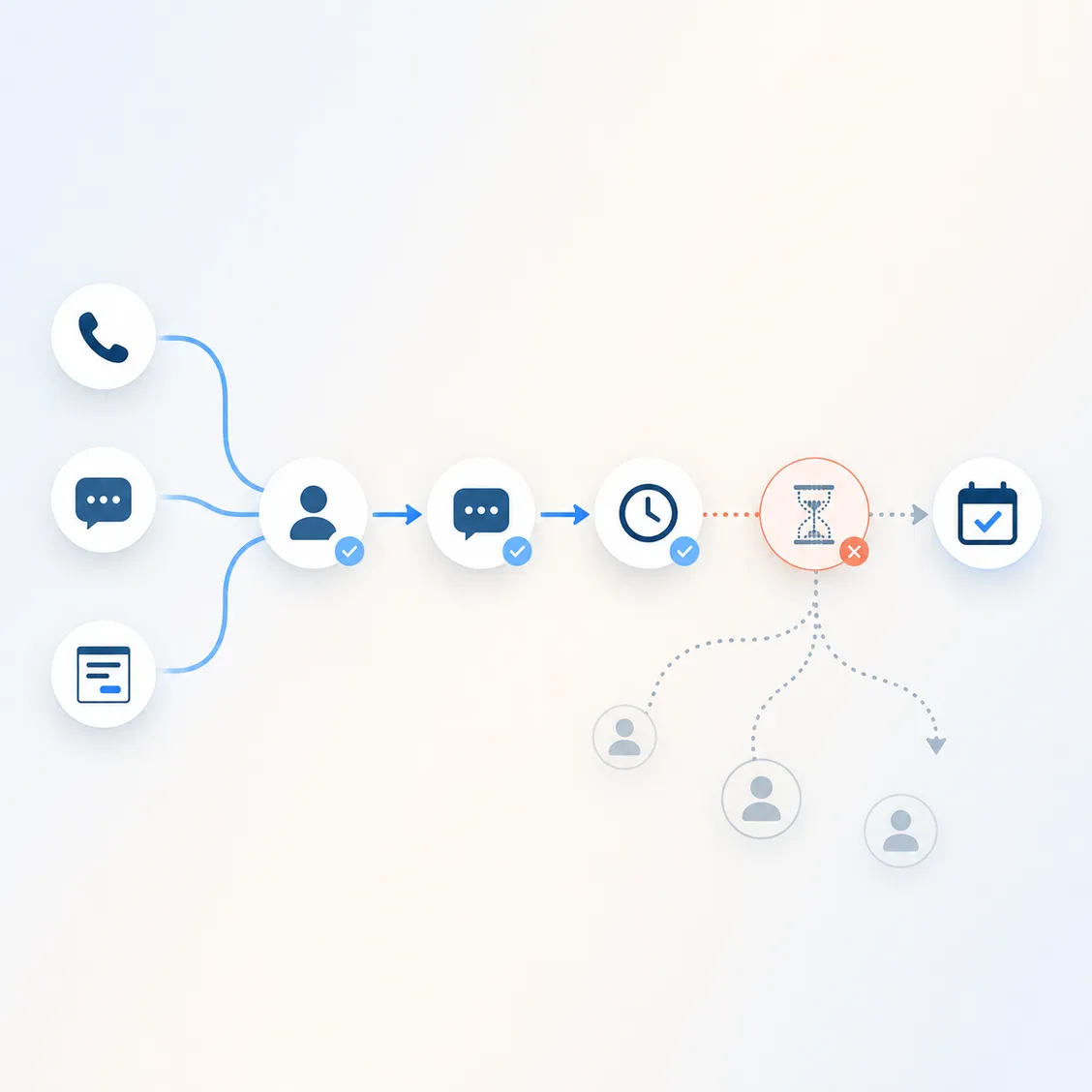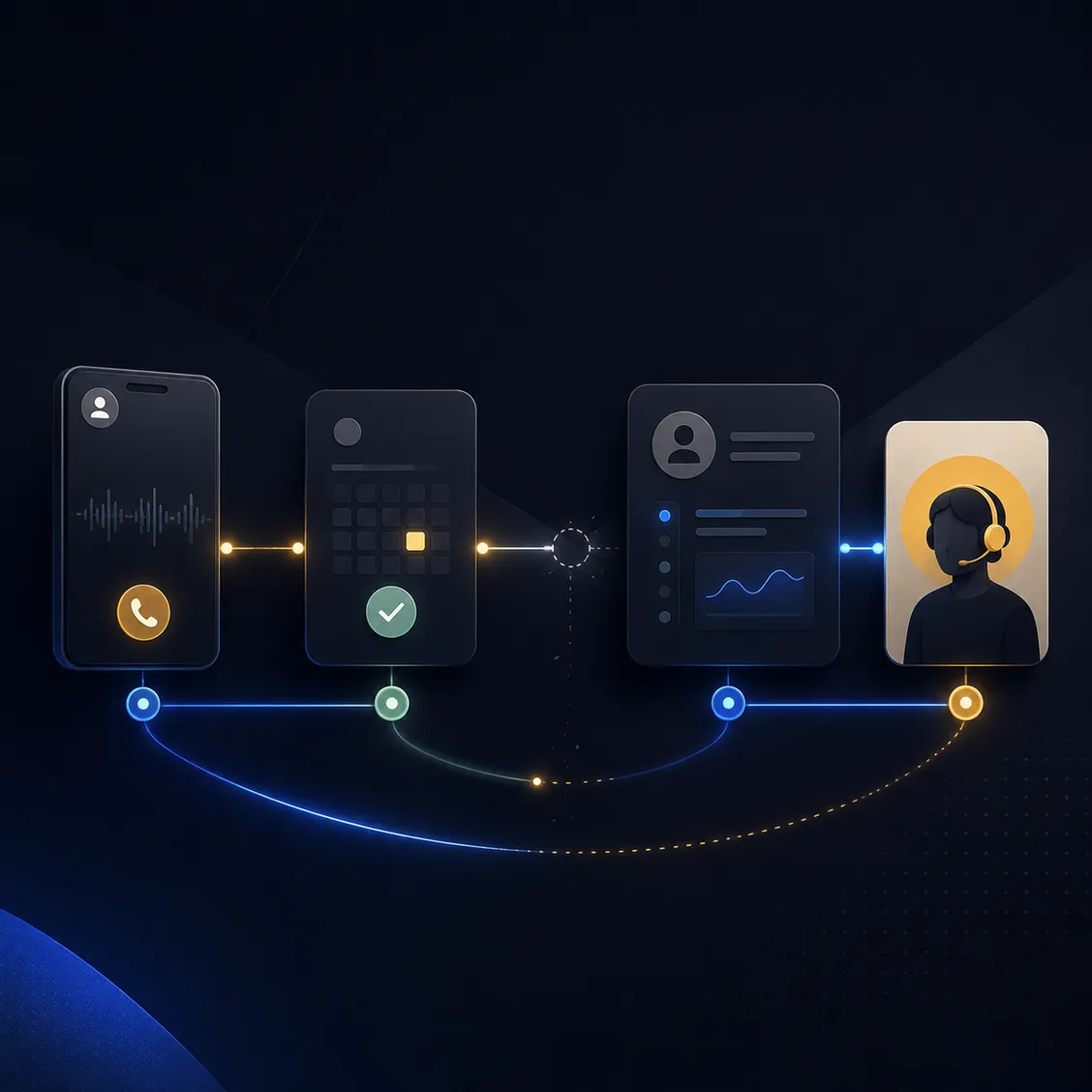

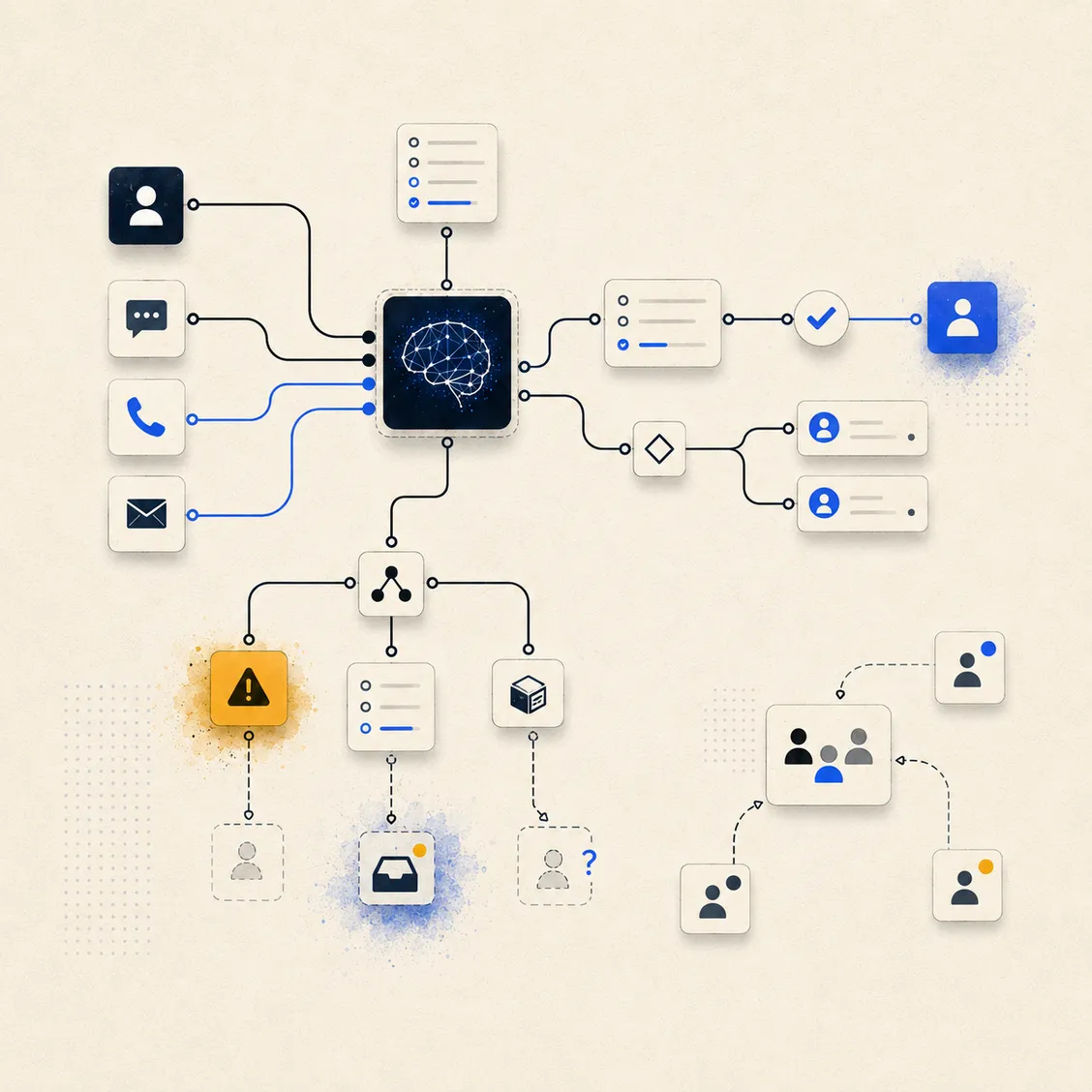
How ownership, testing, edge cases, and team adoption determine whether automation lasts.
A workflow can look flawless in a demo.
The trigger fires. The AI responds. The CRM updates. The calendar books. The notification lands exactly where it should.
Everyone nods.
Then the system goes live.
A customer gives an unexpected answer. A staff member changes a status manually. Two people contact the same lead. An appointment is rescheduled outside the normal process. Someone stops checking the alerts. A field is renamed in the CRM.
Within weeks, the automation is technically running—but the team no longer trusts it.
This is how good systems fail.
Not because the technology was incapable.
Because the system was built as a collection of steps instead of a living part of the business.
A successful demo proves less than you think
A demo usually shows the ideal path.
A new inquiry enters correctly.
The contact provides the expected information.
Every connected tool is available.
No one interrupts the workflow.
Nothing changes halfway through.
Real businesses do not operate like that.
People misspell names. They provide two phone numbers. They ask unrelated questions. They book under one email and reply from another. They change their minds. They call after submitting a form. They speak to one employee while an automated sequence is still running.
A system that only works when everything goes right is not finished.
It is a prototype.
The real test is not whether the workflow can complete once.
It is whether the business can rely on it when the day becomes messy.
Every system needs a clear owner
Automation often creates a dangerous assumption:
The system handles it now.
But systems do not own outcomes.
People do.
Someone still needs to be responsible for knowing whether the automation is working, where it is failing, and what happens when it cannot continue.
Without a clear owner, small problems remain invisible.
A form stops sending one field.
A calendar connection expires.
Messages begin landing in spam.
An employee changes a pipeline stage that triggers the wrong sequence.
The workflow continues running, so nobody realizes the result has changed.
Ownership does not mean watching every automation all day.
It means one person can answer:
- What should this system accomplish?
- How do we know it is working?
- Where do failures appear?
- Who investigates them?
- Who approves changes?
- Who trains new team members?
- What happens when the system needs human help?
If everyone is vaguely responsible, nobody is truly responsible.
Testing should begin where the happy path ends
Most systems are tested using the exact scenario they were built around.
That is necessary—but insufficient.
The useful questions begin after the main route works.
What happens if the lead does not answer one question?
What happens if they provide an invalid email address?
What happens if the calendar has no availability?
What happens if they reply after the conversation has been handed to a person?
What happens if they book and then cancel?
What happens if the CRM already contains the contact?
What happens if a tool is temporarily unavailable?
What happens if a customer asks for something the AI should not handle?
Testing should cover at least four types of situations:
The ideal path: Everything arrives correctly and the intended outcome happens.
The incomplete path: Important information is missing, unclear, or invalid.
The interruption path: A person steps in, the customer changes direction, or the workflow is paused.
The failure path: A connected tool, API, calendar, inbox, or data source does not respond correctly.
A system is not reliable because the ideal path works.
It becomes reliable when the non-ideal paths have safe outcomes too.
Edge cases are not rare for long
A situation that happens only 2% of the time may sound unimportant.
But if a business handles 1,000 inquiries, that is 20 cases.
If each case creates a confused customer, duplicated message, missed booking, or lost opportunity, the edge case is now an operational problem.
Common edge cases include:
- A lead contacts the business through multiple channels
- Two family members inquire about the same service
- A returning customer is mistaken for a new lead
- A prospect books while an automated reminder is being prepared
- An appointment is changed directly in the calendar
- A customer uses language the system does not understand
- A staff member takes over but forgets to stop automation
- A lead asks a sensitive, legal, medical, or financial question
- The requested service is unavailable
- The person is qualified, but no suitable appointment exists
The goal is not to predict every possible situation.
That would delay the launch forever.
The goal is to identify the situations that could create the greatest confusion, risk, or loss—and decide what the system should do.
Sometimes the correct automation is not another automated action.
It is:
Pause. Alert a human. Preserve the context.
That is still a successful outcome.
Human handoffs must be designed, not assumed
Many workflows include a step called “notify the team.”
That sounds complete.
It usually is not.
A notification is only useful when the recipient knows:
- Why they received it
- How urgent it is
- What has already happened
- What the customer needs
- What they should do next
- How quickly they should act
- Whether the automation has stopped
Without that context, automation simply creates another message for someone to interpret.
A proper handoff should arrive with the relevant details already organized.
For example:
- Prospect name and contact information
- Source of the inquiry
- Service requested
- Qualification answers
- Conversation summary
- Booking status
- Reason the system escalated
- Recommended next action
- Link to the CRM record
The handoff is not the end of the system.
It is part of the system.
If the human step is unclear, the workflow is still broken.
Adoption matters more than sophistication
A technically advanced system can fail because the team does not understand it.
They do not know what it handles.
They do not know what remains their responsibility.
They are unsure whether they should reply manually.
They do not trust the data.
They create workarounds because the old process feels safer.
Soon, the business has two systems operating at once:
The official automated workflow—and the unofficial manual workflow employees still use.
This creates duplicate messages, inconsistent records, and confusion about which information is current.
Adoption requires more than a launch announcement.
The team needs to understand:
- What problem the system solves
- Where the workflow begins
- What it does automatically
- What it deliberately does not do
- When a person should step in
- How to correct a mistake
- Where to report an issue
- How success will be measured
The best training is usually not a long technical manual.
It is a short explanation, a few real examples, and a clear operating guide people can actually use.
The system must fit the existing workflow
A common mistake is building automation around how the business should operate rather than how it actually operates.
The proposed process may look cleaner on paper.
But if it ignores how receptionists answer calls, how managers assign work, how staff use the CRM, or how customers prefer to communicate, the team will resist it.
Good implementation begins with observation.
Where do inquiries really arrive?
Which tools are actually checked?
Who makes decisions?
What information does each person need?
Where do employees already create shortcuts?
Which manual steps exist for a good reason?
The system should improve the workflow without pretending the existing business does not exist.
Sometimes that means changing the process.
But those changes should be deliberate, explained, and supported—not quietly imposed through automation.
Maintenance is part of the build
Business systems change.
Offers change.
Staff members leave.
Appointment lengths change.
New services are introduced.
CRM fields are renamed.
Calendars are replaced.
Compliance requirements evolve.
Customer questions shift.
An automation that is correct today can become inaccurate later without anyone touching the workflow itself.
That is why maintenance should include regular checks such as:
- Are the messages still accurate?
- Are the qualification rules still correct?
- Are all integrations connected?
- Are handoffs reaching the right people?
- Are customers dropping out at one particular step?
- Are employees bypassing the system?
- Are there recurring exceptions that should now be automated?
- Are automations stopping when they should?
Maintenance does not mean rebuilding everything each month.
It means treating the system like operational infrastructure rather than a one-time project.
Measure outcomes, not activity
A workflow can send hundreds of messages and still perform badly.
It can create CRM records, tasks, alerts, and reports without improving the customer journey.
Activity proves the automation is busy.
It does not prove it is useful.
Measure what the system was built to change.
That might include:
- Response time
- Percentage of inquiries reached
- Qualified booking rate
- Follow-up completion
- Missed-call recovery
- No-show recovery
- Lead-to-appointment conversion
- Time removed from manual admin
- Number of unresolved inquiries
- Frequency of human escalation
The right measurement depends on the original bottleneck.
If the system was built to recover missed calls, success is not the number of texts sent.
It is how many missed callers re-entered the conversation and booked.
Build for the real business
Good automation is not the workflow with the most steps.
It is the one the business can trust, understand, and continue using.
That requires more than choosing the right tools.
It requires:
- Clear ownership
- Realistic testing
- Safe handling of edge cases
- Thoughtful human handoffs
- Team adoption
- Ongoing maintenance
- Measurement tied to business outcomes
The technology may power the system.
But the surrounding operating discipline is what makes it last.
Because most automation does not fail dramatically.
It slowly becomes less accurate, less trusted, and less used.
Until one day, the team is back to doing everything manually—and nobody can quite explain when the system stopped helping.
The takeaway
A workflow is not successful because it launched.
It is successful because people still trust it months later.
Build for messy inputs. Assign an owner. Test what happens when things go wrong. Make human handoffs obvious. Train the team on the actual operating process.
That is how automation becomes part of the business instead of another tool the business eventually abandons.